

Billing & Invoicing guide
Understanding Account Statements and Invoices
This guide explains how to review the fees associated with your Yari Flow account and find your monthly invoices.
It covers billing between Yari Flow and your business. It does not cover payments made by subscribers to your store.
What is the difference between Account Statements and Invoices?
The Billing & Invoices section of the Yari Flow Dashboard contains two areas:
· Account Statements: Review the fees generated from orders processed during a selected period.
· Invoices: View the monthly invoices issued for your Yari Flow account.
Account Statements provide a more detailed view of the activity contributing to your fees, while Invoices show the amounts formally billed to your business.
View your Account Statement
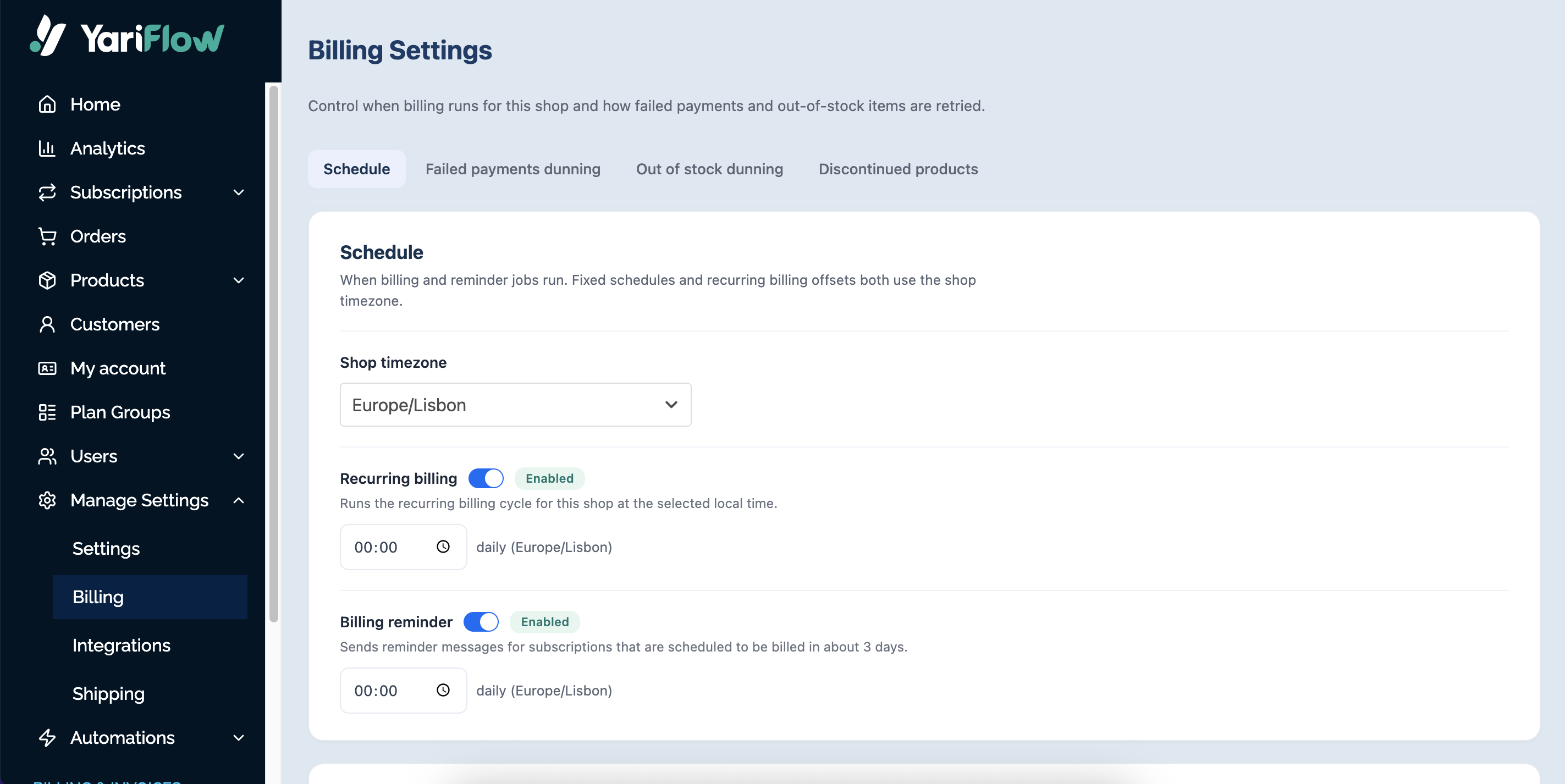
To review your account activity:
1. In the left-hand menu of the Yari Flow Dashboard, go to Billing & Invoices.
2. Select Account Statements.
3. Use the date selector in the upper-right corner to choose the period you want to review.
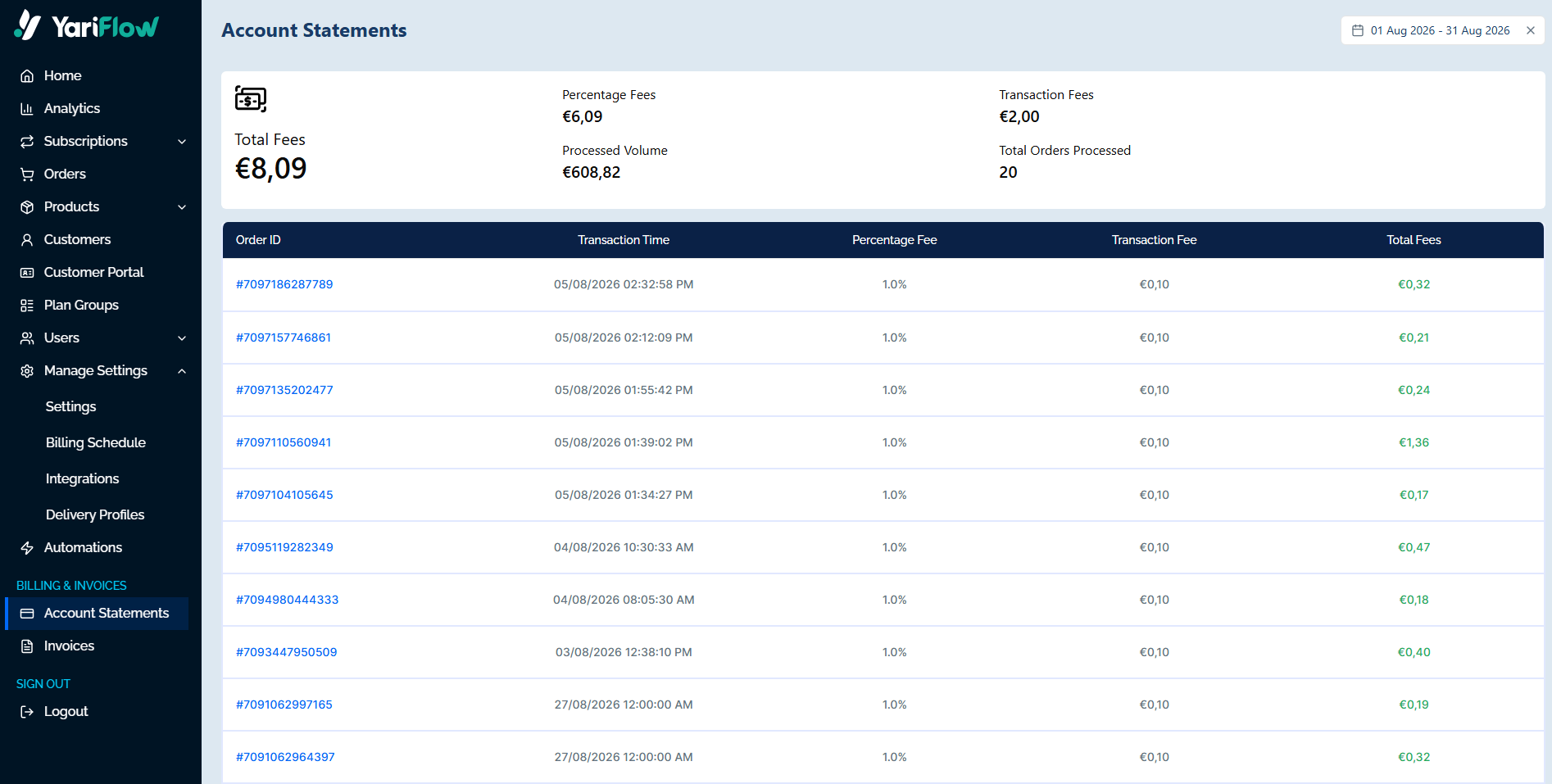
The summary at the top of the page includes:
· Total Fees: The combined fees generated during the selected period.
· Percentage Fees: The total fees calculated using the percentage rate associated with your account.
· Transaction Fees: The total transaction fees applied during the selected period.
· Processed Volume: The total order value processed during the selected period.
· Total Orders Processed: The number of orders included in the statement.
Review fees for individual orders
Below the Account Statement summary, you can review the fees associated with each processed order. The table includes:
· Order ID: The Shopify order associated with the transaction.
· Transaction Time: The date and time when the order was processed.
· Percentage Fee: The percentage rate applied to the order.
· Transaction Fee: The transaction fee applied to the order.
· Total Fees: The total fees associated with that order.
This allows you to understand how the totals shown at the top of the page were calculated.
View your Yari Flow invoices
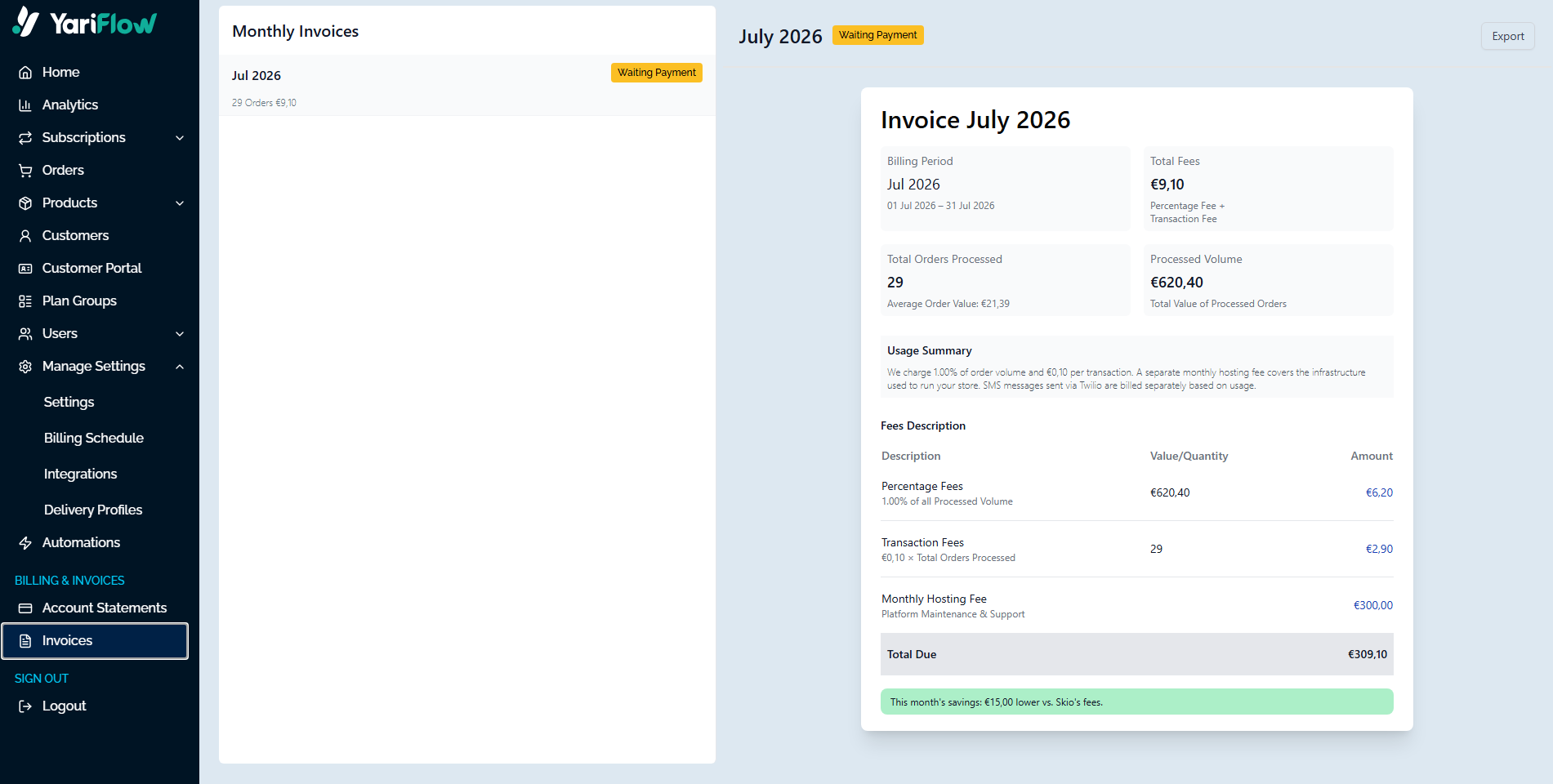
To find your monthly invoices:
1. In the left-hand menu, go to Billing & Invoices.
2. Select Invoices.
3. Find the invoice for the month you want to review.
The Invoices page contains the invoices issued for your Yari Flow account. Invoice contains:
· Billing period
· Total Fees
· Total Orders Processed
· Processed Volume
· Fees Description
· Total Due
Compare an Account Statement with an invoice
To review the activity associated with a monthly invoice:
1. Open Billing & Invoices > Invoices and identify the invoice period.
2. Go to Billing & Invoices > Account Statements.
3. Select the same date range using the date selector.
4. Review the total fees and order-level activity for that period.
The Account Statement provides the detailed order activity, while the invoice records the amount billed to your business.
Contact Yari Flow about billing
For questions about an invoice or Account Statement, contact your Yari Flow account team by using help@yariflow.com.
When contacting the team, include:
· Reason of contact
· Your store name
· The invoice number, where relevant
· The billing period
· A brief explanation of the issue
Do not send full payment-card details by email.

